Showing posts with label Google slides. Show all posts

Wednesday, January 20, 2016

Look at our YOUNGEST users!!


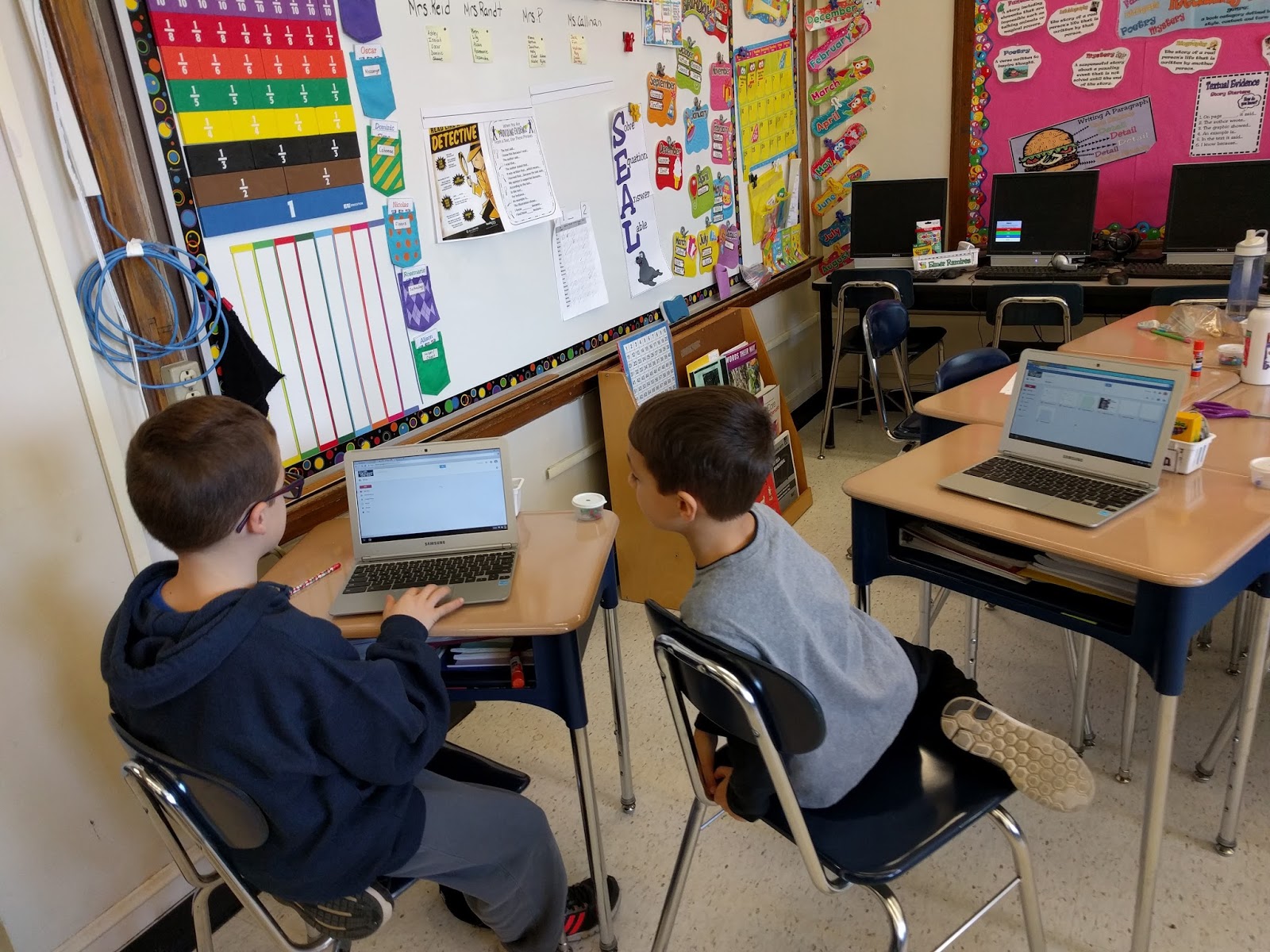
When I see the littlest students using chromebooks for higher level thinking I LOVE IT! 

Rye Neck - Daniel Warren 

In Rye Neck at Daniel Warren's K-2 school Leigh Ann Kowalchick has been working with the first graders on Google Slides and a Book Report on Charlotte's Web.  Now many of us may say, "Hey, that's easy." But look how effectively these students wrote about each aspect of the novel, while also creating clean, visual, presentations 

 Google Slide show on Charlotte's Web   
Google Slide show on Talking about "Charlotte's Web"    Google Slide show on Charlotte's Web Talk                                                 

Ramapo - Sloatsburg 

In Eleni Palogudis's class, the third grade students created a plant log using Google Slides as well but they also used the camera feature to take pictures of their plants throughout the plant life cycle.  Students also used Google Drawing to draw what their seeds looked like in the beginning of the plant cycle as well as the camera feature to identify their slides and seeds.


Hydroponic Planting in 3-PR's Class                                                                     Seeds 2016

Do you have an interesting project? 

Are you working on an interesting project? Are you or your students using Google in a non traditional way? Email and share! Invite me into your classroom! aklebanoff@lhric.org 

Tuesday, January 5, 2016

Google Drawing...Google Slides...Science and Third Grade


Happy New Year! This week I have had the opportunity to revisit with a teacher that I worked with last year, Eleni Pallogudis, and her third grade class.  Last year when we worked together we
Created a journal or day by day log using Google Presentation.  This year she had already begun working on the project with the students when I came to work with the class.

This year we decided to add an additional piece into the Google Slideshow, Google Drawing.  Students were required to draw what their seed looked like before it germinated as well as identify the different parts of the seed.  

The students created their Google Drawings and then downloaded them as JPEG's onto the Chromebooks.  


Once the JPEG's were downloaded the students opened their Google Slides and imported their pictured into the Google Slide show.

The students are having a great time with this project and will continue with their logs over the next month.  The students know how to use the camera on the Chromebook to take pictures, import them into Google Slides, use Google Drawing AND MORE!! 


Sunday, November 22, 2015

Google Drawing...OH the possibilities!!!

Google Drawing in FACS 

I often have the opportunity to work with teachers on a variety of projects.  This week I worked with several teachers on Google Drawing projects.  The main project this week was with Gayle Yodowitz a FACS (Family and Consumer Sciences) teacher at SMS.  She wanted her students to demonstrate through pictures and words "events in their lives and other aspects of their identity through texts and images."

We created a template and I came into the class and demonstrated how to use Google Drawing.  I showed students the Research tool (not just for images), masking images, grouping, drawing lines, .gifs, Word Art, text and text boxes, flipping names, creating mirror images, etc.

Students had a great time but also learned many skills that will cross over into Google Slides and/or Google Docs.
_________________________________________________________________________________

Who Am I - Template 


_________________________________________________________________________________

Who am I - Demo 


_________________________________________________________________________________

Google Drawing in Science

I worked with Ashley Connington, a 6th grade Science teacher in Suffern Middle School, also to discuss how she can integrate Google Draw into an assignment with her students. Throughout December, the students will be researching, in partners, outer space and planets in all scientific aspects (including scientific name, distance from the sun, number of moons, temperature, surface of the planet, etc.).  Students will be required to describe all aspects of these scientific features through different media including presentations, Google slides, etc.

Ashley also wanted to have the students learning how to use Google Draw, as there are many parts of this project that can be completed through Draw and she wanted them to see how they can integrate this tool into their other classes as well.

We thought, as we will be meeting and working with the students just before the winter break that our assignment would be two fold:

  1. Students will have to research their planet and find an image that demonstrates what the surface of their planet looks like....AND DESCRIBE IT!! 
  2. Students will write and/or use images to state what their goals are for the 2016 school year. By infusing a self reflection piece into an assignment such as this, it seems less daunting.
_________________________________________________________________________________

Saturday, November 21, 2015

Google Slides and Storyboardthat

Storyboardthat and Google Slides

Storyboard That is an online storyboard creator that helps visually communicate ideas and concepts to quickly tell a story. It provides templates in which you can create your stories in a comic strip style along with hundreds of scenes, characters, and text bubbles to fill your storyboard's frames.  In the free version you can create up to two free storyboards a week and they can be saved and printed.

Helena DeJulia, a Special Education Teacher at SMS, and I, worked on a Fable and myth project using Google slides and Storyboard That.  She works with students that have a variety of skills and abilities and wanted to differentiate an assignment for them where they would write their own myth in some way.  The students first have to use Storyboard That to storyboard their myth or fable.  They must include their Exposition, Rising Action, Conflict, Climax, Falling Action and Resolution.

Storyboard That


Next students will choose if they would like to write a story including mostly YouTube videos and Images or a Choose your own Adventure Story.

YouTube, Images and Story


Choose your Own Adventure 


This is a great, creative way to have students write a story rather than using Google Docs! If you have any questions, please feel free to email me.