Showing posts with label Science. Show all posts

Tuesday, March 22, 2016

Vetting Resources, CSUnplugged and More!

There are a multitude of resources on the web but how do you determine what are good and useful and what are not.  Here are a few resources that may inspire and intrigue you and your students as well as some sites to help you vet your own materials:

Camp Google  

A Series Of Free Science Activities And Videos From Google.

Chrome Music Lab

Chrome Music Lab is a collection of experiments that let anyone, at any age, explore how music works. They're collaborations between musicians and coders, all built with the freely available Web Audio API. http://googleforeducation.blogspot.com/2016/03/introducing-chrome-music-lab.html

CSunplugged.org

The Unplugged project is to promote Computer Science (and computing in general) to young people as an interesting, engaging, and intellectually stimulating discipline. We want to capture people’s imagination and address common misconceptions about what it means to be a computer scientist.

EdSurge Product Index

The community-driven database of educational technology products on the EdSurge site allows teachers to search for products by category, grade level, and learning needs.

Graphite

Common Sense Media’s Graphite combines ratings from educators with reviews from its own expert team of editors and reviewers.

LearnTrials

LearnTrials provides teachers and districts a way to grade digital tools using a research-based rubric, then applies algorithms to provide additional context for each tool and how it is used, providing differentiated ratings based on a specific classroom setting or instructional need.

Learning Assembly

This collaborative network of educators and innovators focuses on piloting and scaling education technology solutions in schools across the country in ways that can transform teaching and learning.

Thursday, February 4, 2016

#SaferInternetDay, Matific, Soundtrap, Lab4u, TED-Ed


Also, Tuesday February 9 is #SaferInternetDay .  Click on the attached links for more information.


Matific is an app that support math education from kindergarten through grade 6 using playful interaction. A modular portfolio of educational apps designed to empower math education from kindergarten through grade 6. 

An easy-to-use collaborative platform for audio editing and music making for all ages.Soundtrap for Education is a revolutionary new, user-friendly platform for music making that disrupts how music is taught and learnt in schools across the world. 

Lab4U provides a platform that enables hands-on lab experiences through web and mobile devices, delivering low-cost solutions for Science Education. Lab4U is a web/mobile platform for low cost experimental scientific education, integrating technology and experimental science education using smartphones, tablets, free hardware and Augmented Reality.

Within the growing TED-Ed video library, you will find carefully curated educational videos, many of which represent collaborations between talented educators and animators nominated through the TED-Ed platform.

Tuesday, January 5, 2016

Google Drawing...Google Slides...Science and Third Grade


Happy New Year! This week I have had the opportunity to revisit with a teacher that I worked with last year, Eleni Pallogudis, and her third grade class.  Last year when we worked together we
Created a journal or day by day log using Google Presentation.  This year she had already begun working on the project with the students when I came to work with the class.

This year we decided to add an additional piece into the Google Slideshow, Google Drawing.  Students were required to draw what their seed looked like before it germinated as well as identify the different parts of the seed.  

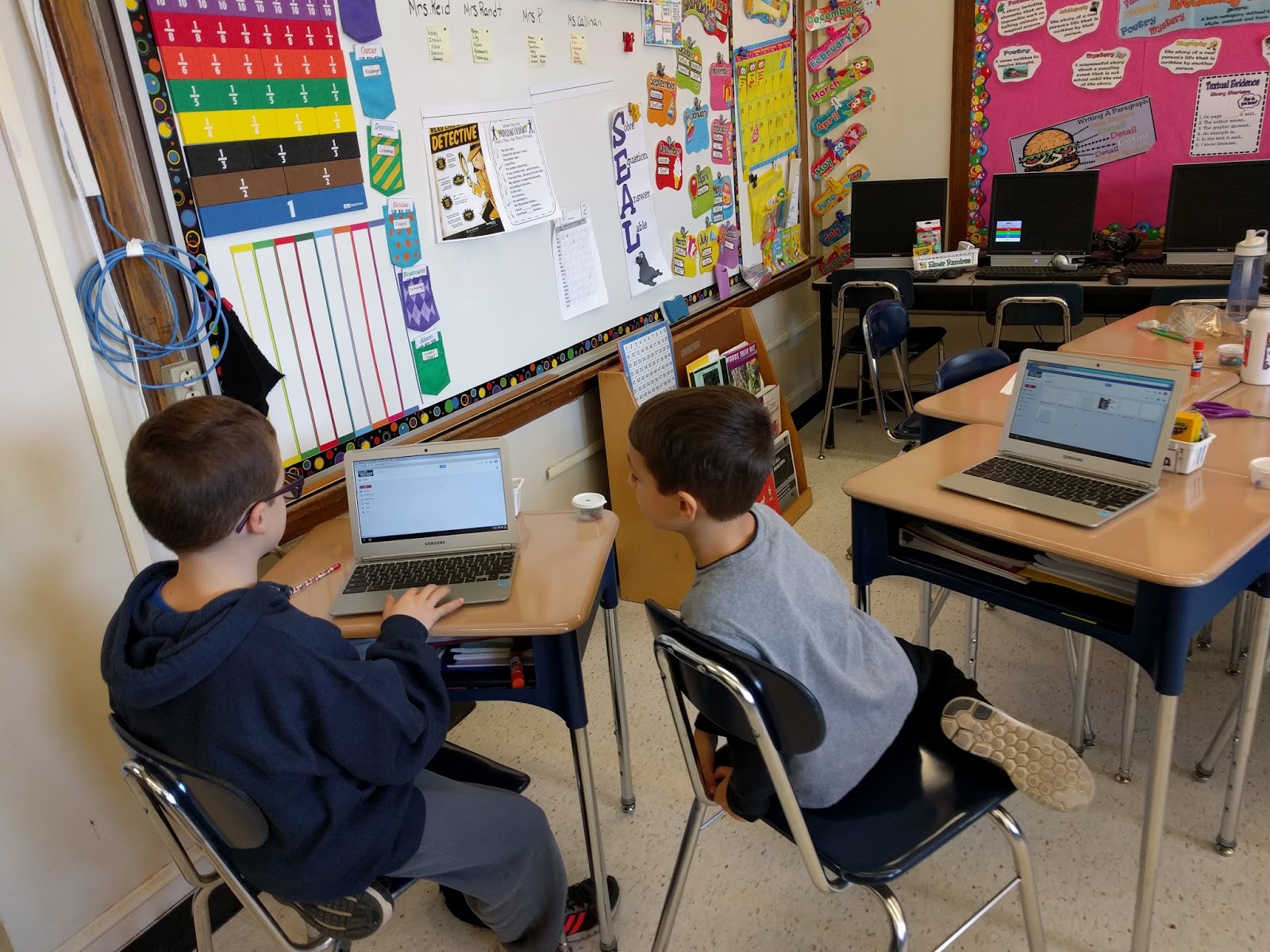
The students created their Google Drawings and then downloaded them as JPEG's onto the Chromebooks.  


Once the JPEG's were downloaded the students opened their Google Slides and imported their pictured into the Google Slide show.

The students are having a great time with this project and will continue with their logs over the next month.  The students know how to use the camera on the Chromebook to take pictures, import them into Google Slides, use Google Drawing AND MORE!!